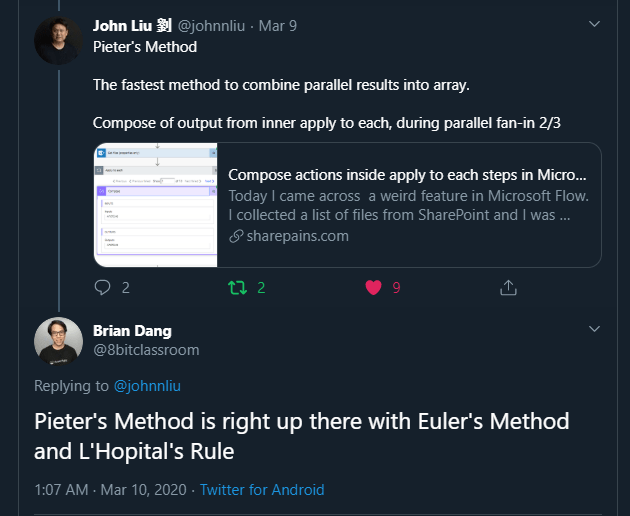
Yesterday, I noticed John Liu and Brian Dang discuss Pieter’s method. This method is referring to my post of using a compose action inside an apply to each and then referring to this Compose action outside the Apply to each.
If you understand Euler’s Method and L’Hopital’s Rule then I’m sure you can understand Pieter’s method mentioned in Brian’s tweet!
But it is not enough! It is time for the advanced Pieter’s method.
The advanced Pieter’s method
How about other actions inside an Apply to each?
Today I created a flow which gets items from a SharePoint list. The SharePoint list has a multi-people field and I want to just create an array of all the email addresses of all the people that are selected in this People field.
I’m using an Apply to each to run a select and then I’m collecting the output from all of the select outputs in a single Compose action.

As you can see in the above screenshot I’m getting an array of arrays.
Generate the array of arrays
In my Apply to each I’m taking the results from the Get Items action and let the Apply to each action process these items.

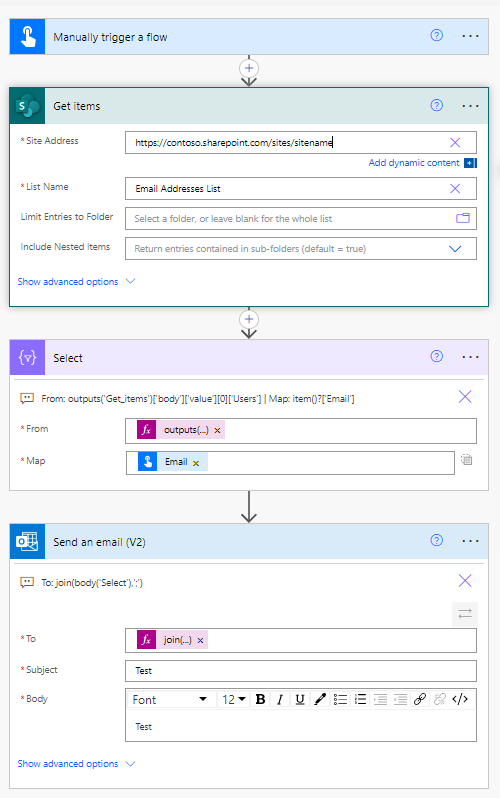
Then the select takes the Apply to each items and just selected the People field using the following expression.
items('Apply_to_each')?['People']
then the mapping to the Email field is easy by using:
item()['Email']
This will generate the array of arrays. All that is now left is to get the result output the Apply to each using the Compose action with the following expression:
Body('Select')
And when we run the flow we are getting the array of arrays as shown earlier in this post.
Performance
You might have noticed the slow performance of the Apply to each action. 26 seconds is not acceptable!
We need to apply concurrency settings on the apply to each.
After enabling the concurrency setting mentioned in the above post. the apply to each only takes 2 seconds to process 100 items.
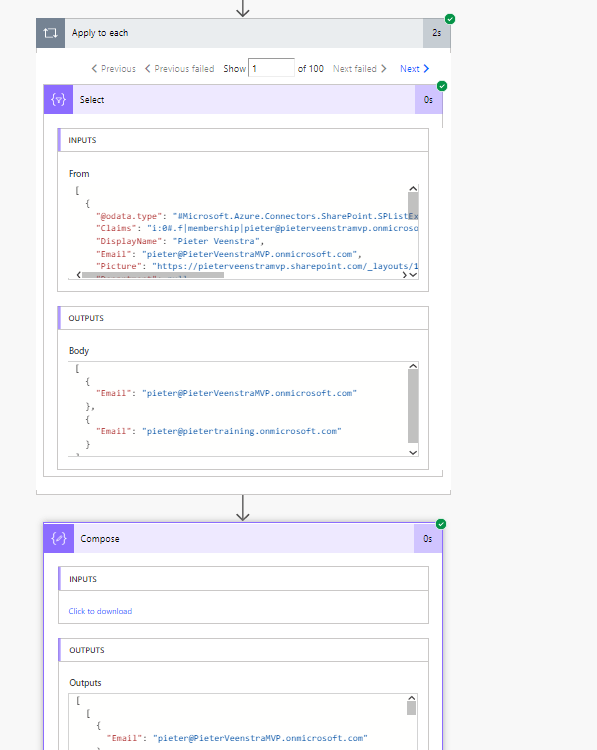
In my case the items in the compose were still listed in order of my data feeding the apply to each. I’m however not 100% sure if this is something that we can guarantee or if I was just lucky. In my case I didn’t worry about the order of the data anyway.
What’s next
When looking at performance and you need to build up an array of data you could consider using this method. So far I have looked at the Compose and Select but is there any reason why other actions couldn’t result into the same?
Could we for example use a Get Item action from the SharePoint connector to build up a list of items?
I’m going to put that to the test!
Using my same flow as before I will now include the Get Item action to get each of my 100 items from before.
Then I will collect the body of the Get Item action after the apply to each step.
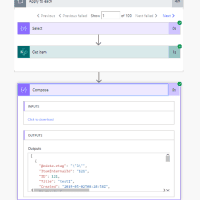
I got my array of list items back. Ok, I can imagine that this isn’t too exciting as I could just have used the get items action instead of the get item. But now imagine …
You have a list with car brands. Then for each brand of car you have separate lists with models. The get item action inside the apply to each could look at different lists depending on the the car brand processed.
This could create a lot of options. If you have taken advantage of this method then please let me know. I’m interested in hearing your use cases.
Pieter Veenstra

Is your business still running on paper trails, sprawling Excel files, or ageing Access databases? There’s a better way — and I can show you exactly what it looks like. I’m the Technical Director of Vantage 365, a Microsoft solutions consultancy working with clients across the UK, the Netherlands, and worldwide. For over 30 years I’ve been turning messy, manual business processes into clean, automated systems that save time, reduce errors, and give teams the visibility they need to make better decisions. SharePains is not just any blog run by a Microsoft MVP. Have you ever used Try-Catch in Power Automate? The original post about Try-Catch in Power Automate can still be found on this site, https://staging.sharepains.com/2018/02/07/try-catch-finally-in-power-automate-flow/ Or have you ever used the Pieter’s method to avoid variables and speed up your flows? https://staging.sharepains.com/2020/03/11/pieters-method-for-advanced-in-flows/ You can contact me using contact@staging.sharepains.com


Leave a Reply
You must be logged in to post a comment.