Power Automate Approvals are often one of those unclear things that people try to avoid.
Dataverse tables relevant to approvals
Over the last week I was asked twice how to collect approval request details. You might be able to use the out of the box actions in the Approval connector. Things however become more complicated when you have an approval action with multiple approvers.
I started by create a Model; driven app and i added all the tables that use the word approval.
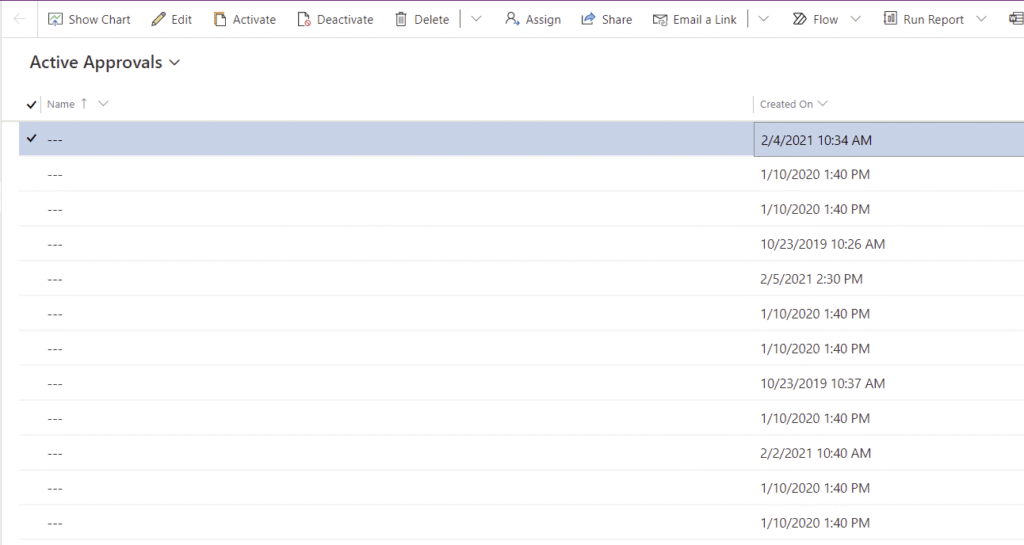
As you can see that gave me 8 tables.
Then I noticed that my Active Approvals view showed me all my outstanding Power Automate approvals. But not much information is given to me other than a Created on date and a blank Name.
Using the Created On date I then found my approval task in Power Automate and I hit the approve button. Now i noticed that the approval request disappeared from my table. (this was not completely true as we will see soon!)
in my app I tried adding some fields to my view, but unfortunate that didn’t work. The changes are being ignored as the Approval tables are part of another managed solution and i should not be fiddling with these kind of things!
I’m sure you can guess my next step!
YES , OF COURSE I START FIDDLING WITH THIS!
I might not be able to change the view but I can use the preview in my Model Driven App. I could probably also create a Canvas app that displays the details of course. But the Canvas app screenshots sometimes look better in blog posts 😉
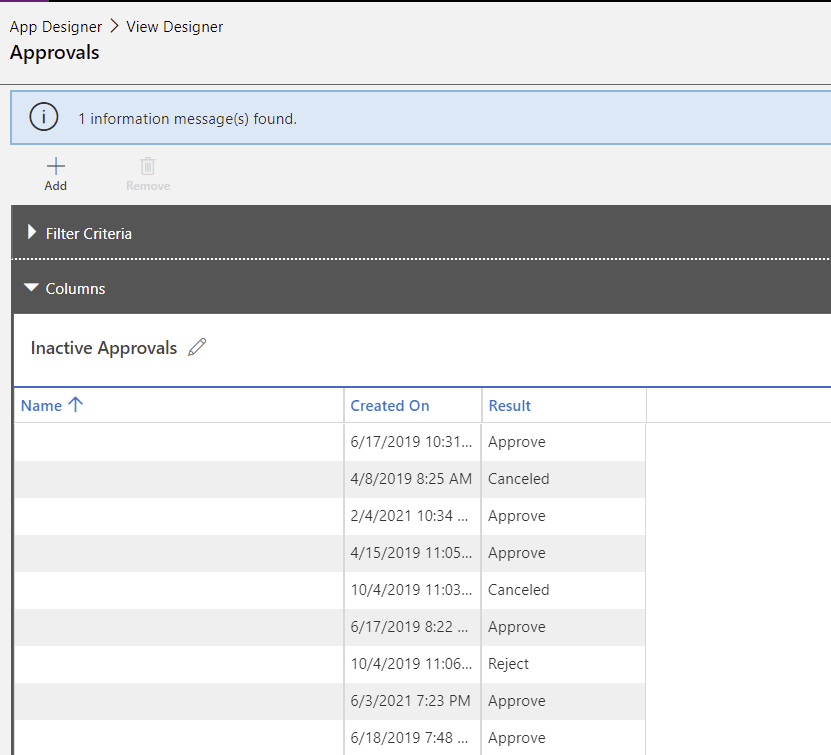
So I added the Result column. This is where I can find the Reject and Approve results back.
Power Automate Approvals with multiple people approving
i hear you ask but what happens when multiple people are approving?
Interesting question! Why didn’t I think of that myself?
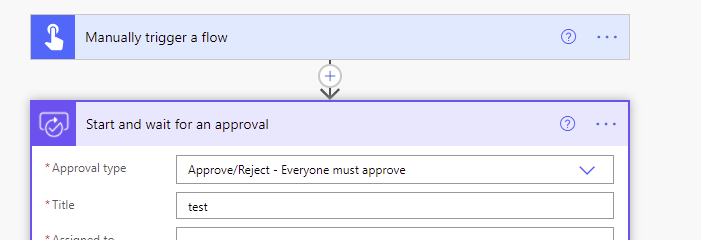
So I created an approval workflow where multiple people had to approve my tasks
And in my preview of my view I can find the approval back, without the result being set.
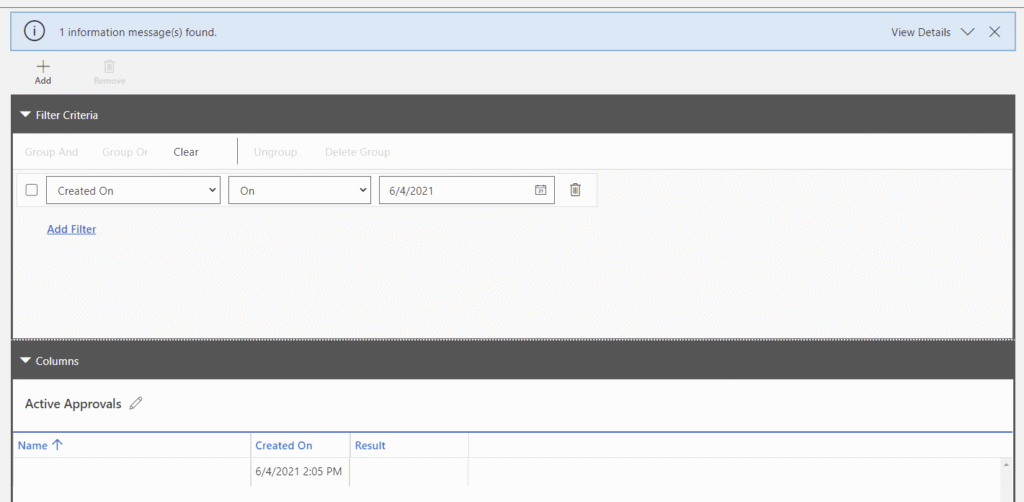
Using the new view editor you can do the same.
After the approval of one person I can still see that the result is set to nothing ( see approval on 6/4/2021) but I can’t find the details of the approval.
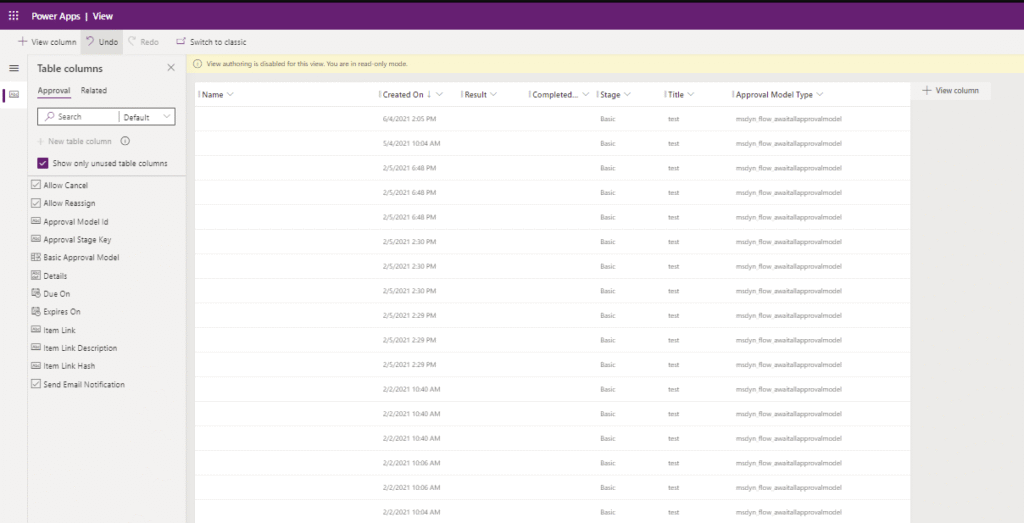
So where have those intermediate approval details gone to?
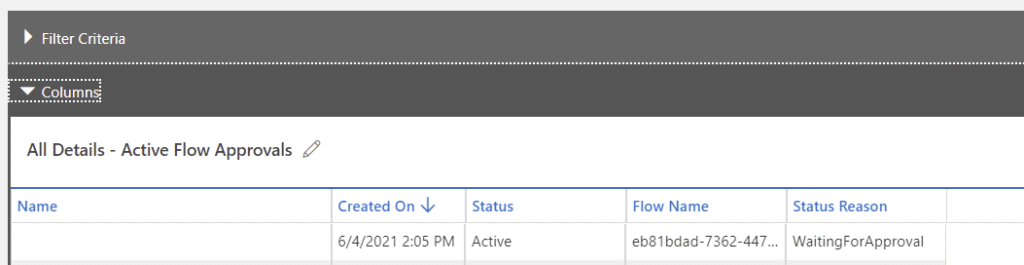
In the Flow approvals table I’m finding back the approval with a status of WaitingForApproval. So that means that I can see that the approval step hasn’t been fully completed yet.
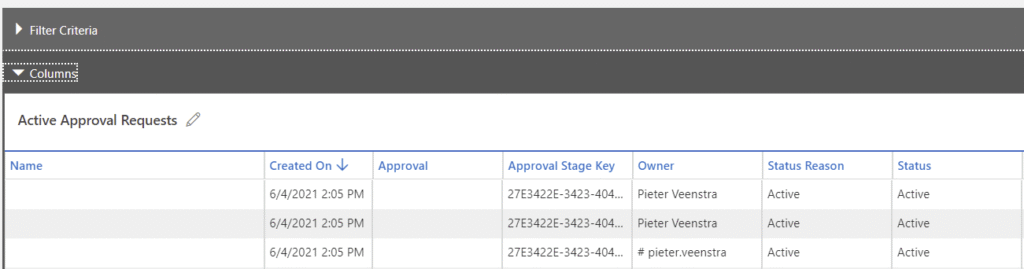
In the Approval Request table I’ve got 3 rows. One for each person that I assigned the approval request to. As you can see 3 times myself, but different accounts.
Then as I visit the Approval responses I will find one entry in the Inactive records that shows my approval. I will show my response together with the comments that I left in the approval step. In this case I left no comment.
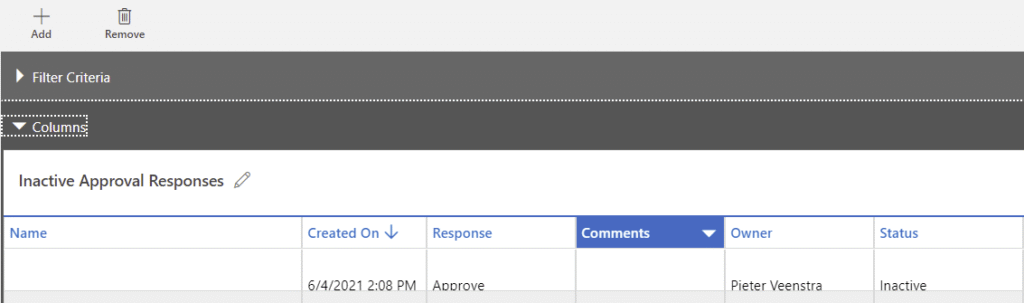
So, Now that we know where the data is store it should be easy to generate a report that shows all the outstanding approvals where multiple people are expecting to approve something.
Pieter Veenstra

Is your business still running on paper trails, sprawling Excel files, or ageing Access databases? There’s a better way — and I can show you exactly what it looks like. I’m the Technical Director of Vantage 365, a Microsoft solutions consultancy working with clients across the UK, the Netherlands, and worldwide. For over 30 years I’ve been turning messy, manual business processes into clean, automated systems that save time, reduce errors, and give teams the visibility they need to make better decisions. SharePains is not just any blog run by a Microsoft MVP. Have you ever used Try-Catch in Power Automate? The original post about Try-Catch in Power Automate can still be found on this site, https://staging.sharepains.com/2018/02/07/try-catch-finally-in-power-automate-flow/ Or have you ever used the Pieter’s method to avoid variables and speed up your flows? https://staging.sharepains.com/2020/03/11/pieters-method-for-advanced-in-flows/ You can contact me using contact@staging.sharepains.com


Leave a Reply
You must be logged in to post a comment.