Wouldn’t it be great if you could call flows from a model driven app? Well you can , but it is not without its difficulties.
Some background
It is easy to start flows from a Canvas app and actually Model driven apps aren’t much harder.
In my case I wanted to create a quote for an opportunity and the document generation told available just weren’t good enough. I wanted my quotes to look better. There are plenty of other processes that I could imagine I would want to start a flow from a model driven app for. But this is quite a nice example flow.
This Send quote flow will send me an email with all of the quote details coming from my opportunity, related account and order lines.
Quite quickly I created a flow that started with the When a record is selected.
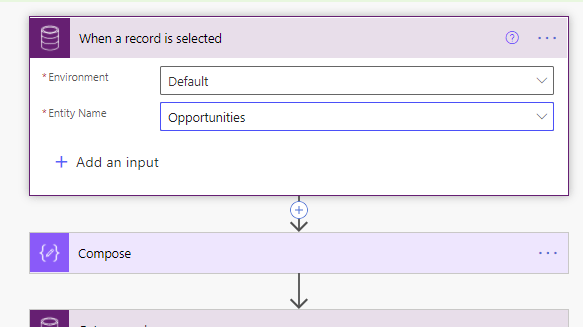
Start flows from a model driven app
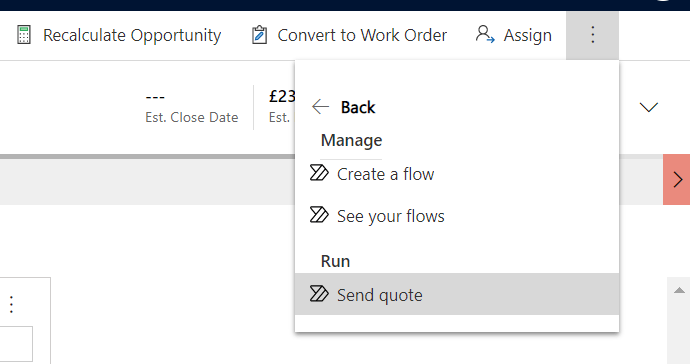
And then the Send quote options appeared right there with my opportunity in my model driven app.
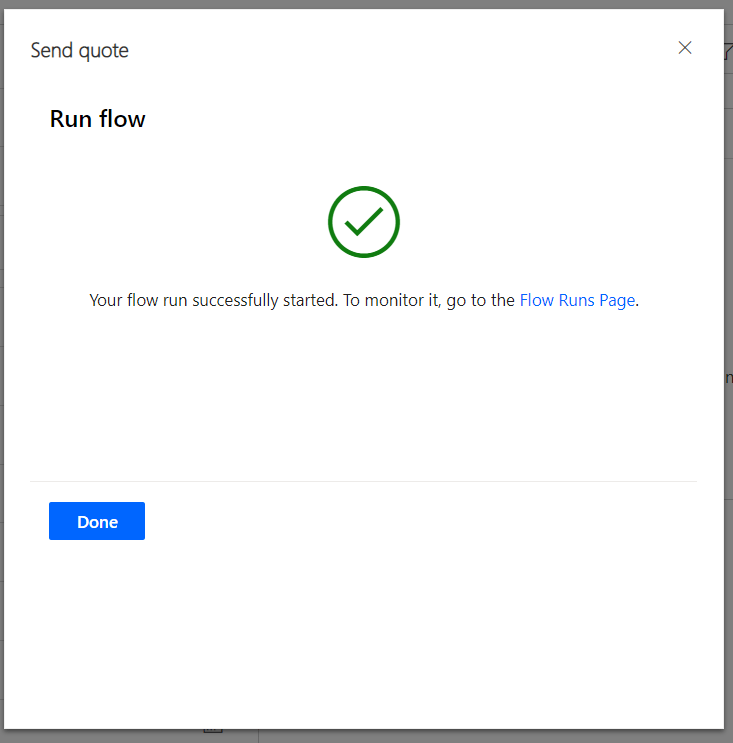
I managed to run the flows and I got this great success message.
Then I started to make some changes to my flow and suddenly things went wrong.
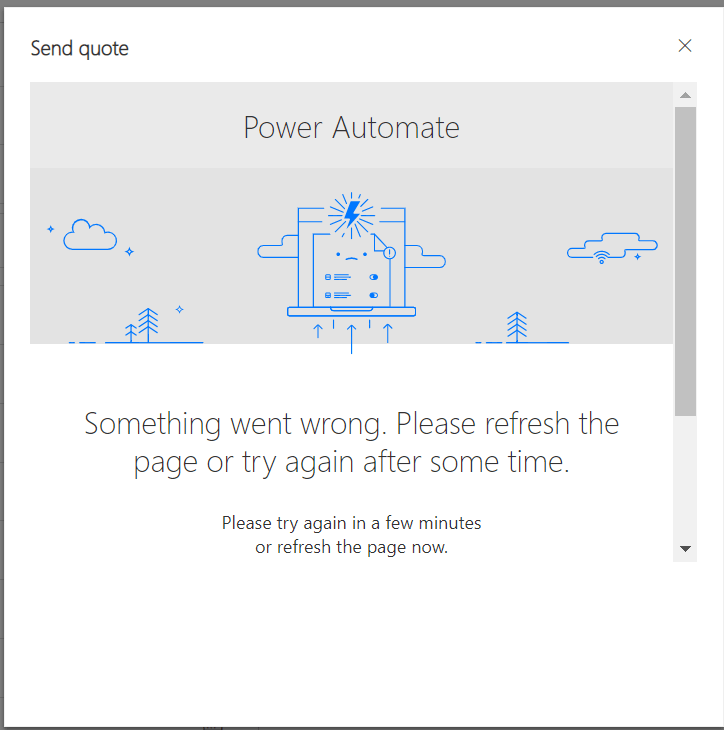
And as a scrolled down that message and clicked on the show more details message there is a message that related to the trigger being incorrect.

Time:
Server/Client Correlation ID: 2733bc97-c17b-4751-9b18-e07da64b140e
x-ms-client-request-id (Client->Backend Request Header): 1947f358-8355-453c-a8f4-d730-e74bb6f8
Error: The input body for trigger ‘manual’ of type ‘Request’ did not match its schema definition. Error details: ‘Required properties are missing from object: value.’.
Whatever that is all about, it is not nice!
So I deleted the trigger and then re-added the trigger and fixed all the references to properties that came from my trigger and I managed to start my flow from my Model driven app once again.
Sometimes I can edit the flow 10 times without any problems and sometimes I have to re-update the trigger after every update. This seems to be a bit of an annoying bug. If you happen to find the same issue and you have a better workaround then please leave a comment below.
Model Driven Business Process Flows
In addition to the above method you can also create a flow that runs from the business process flow. All you need to do is add a flow step to your Business Process Flow and you can run your flow from there.
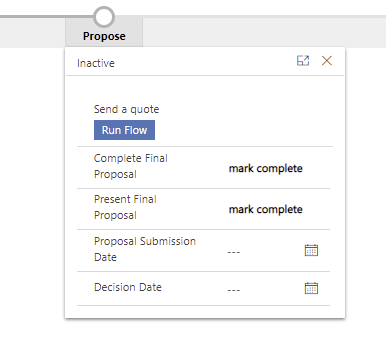
But the details on how to do flows from a model driven app in a Process Flow will be another post for another day.
Pieter Veenstra

Is your business still running on paper trails, sprawling Excel files, or ageing Access databases? There’s a better way — and I can show you exactly what it looks like. I’m the Technical Director of Vantage 365, a Microsoft solutions consultancy working with clients across the UK, the Netherlands, and worldwide. For over 30 years I’ve been turning messy, manual business processes into clean, automated systems that save time, reduce errors, and give teams the visibility they need to make better decisions. SharePains is not just any blog run by a Microsoft MVP. Have you ever used Try-Catch in Power Automate? The original post about Try-Catch in Power Automate can still be found on this site, https://staging.sharepains.com/2018/02/07/try-catch-finally-in-power-automate-flow/ Or have you ever used the Pieter’s method to avoid variables and speed up your flows? https://staging.sharepains.com/2020/03/11/pieters-method-for-advanced-in-flows/ You can contact me using contact@staging.sharepains.com


Leave a Reply
You must be logged in to post a comment.