
Have you looked at connecting to on-premises data with the PowerPlatform yet? Are you worried about security? In this post I’m looking at the available security options in the Data Gateway.
First of all when you visit your Flow or Powerapps site you may have noticed the Gateway option that was added recently.
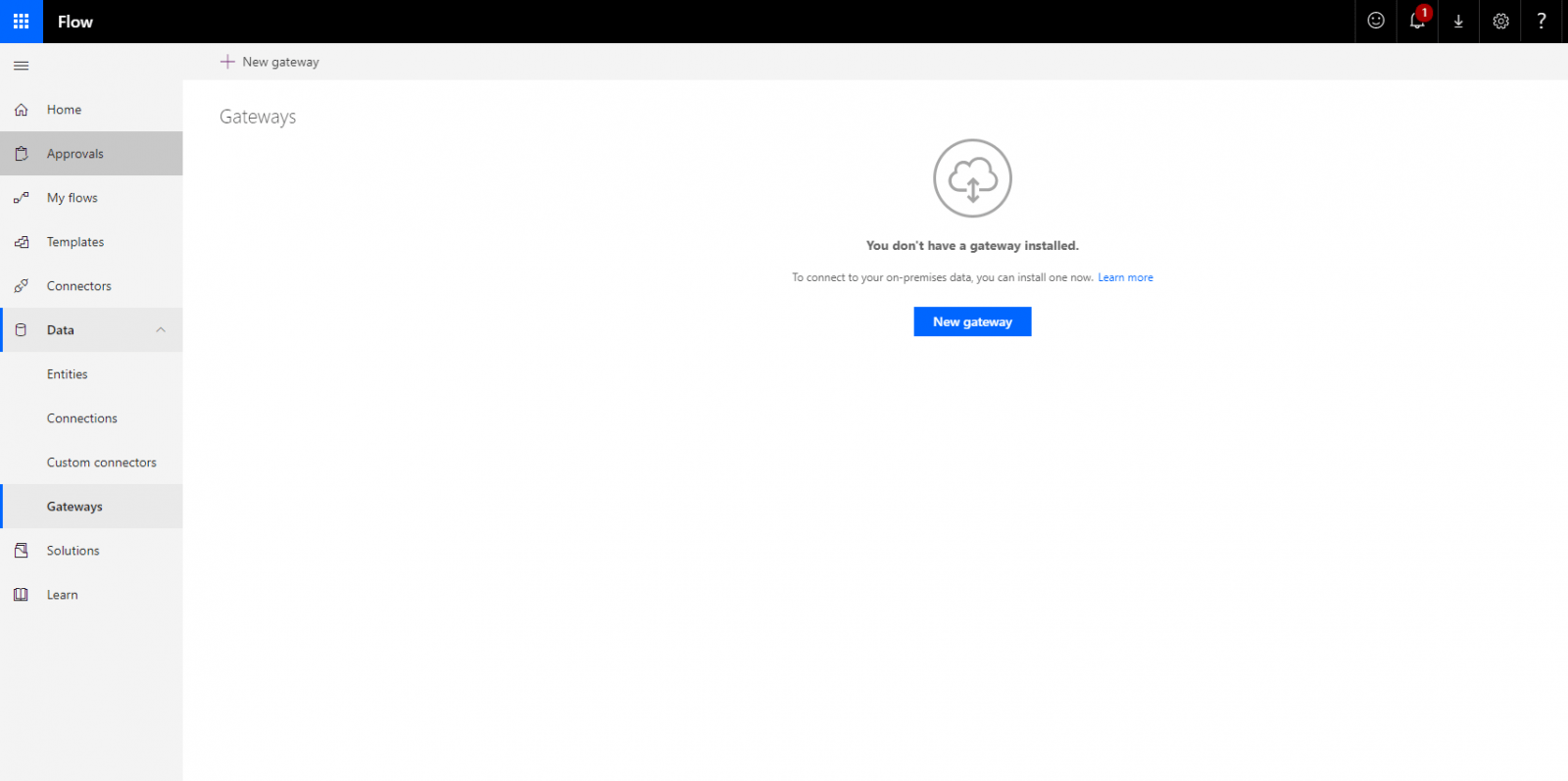
When you click on the New gateway button you can download the On-premises Data Gateway.
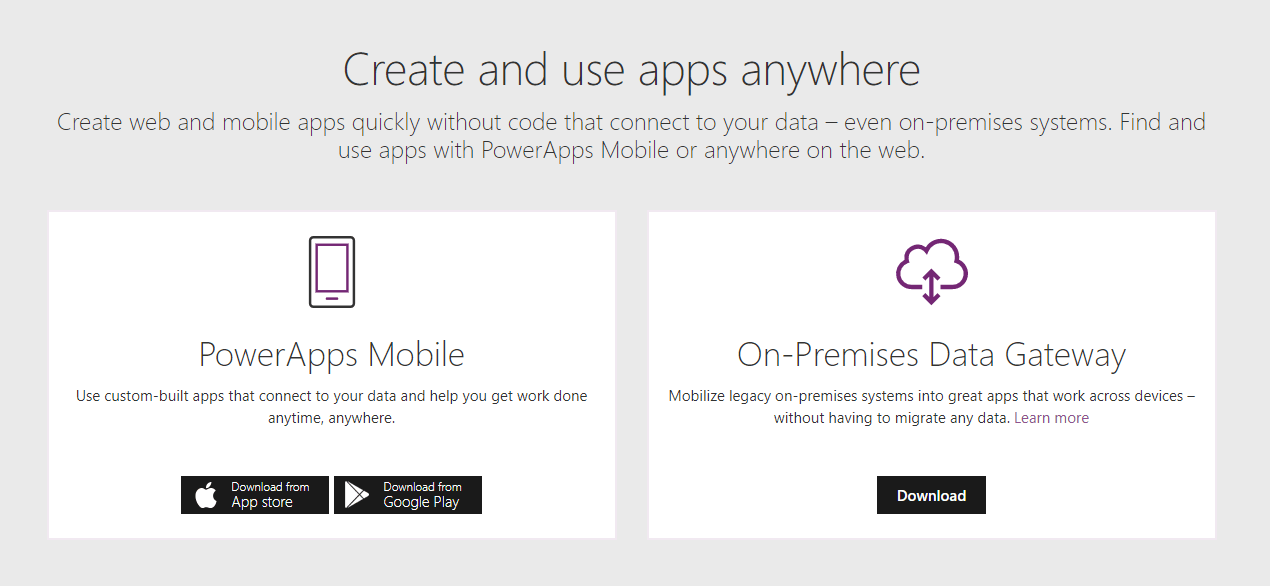
Or you simply go to the following url:
https://powerapps.microsoft.com/en-us/downloads/
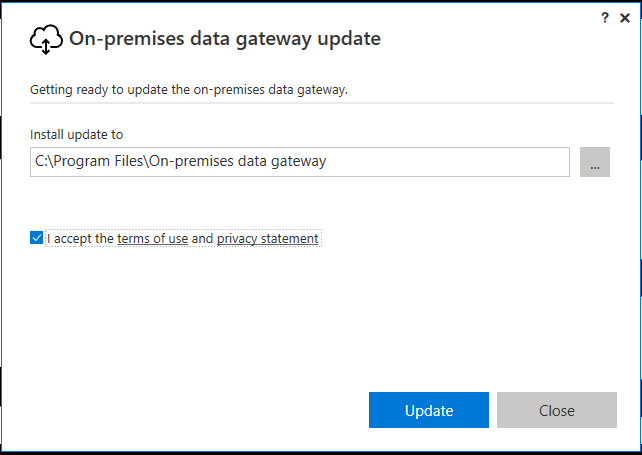
Then as you go through the installation steps …
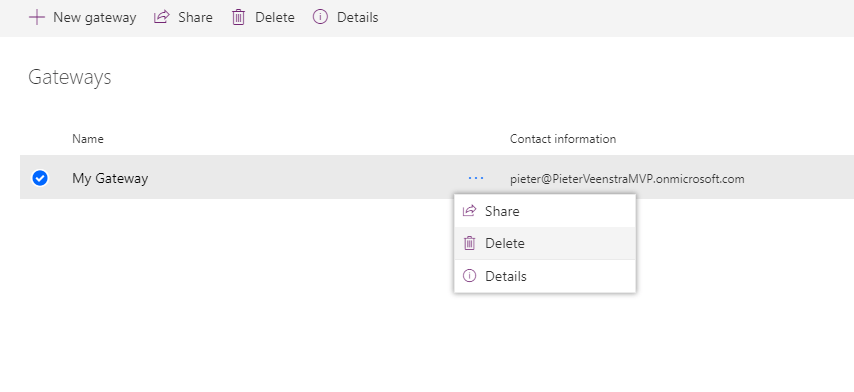
You will find that you gateway(s) is lists
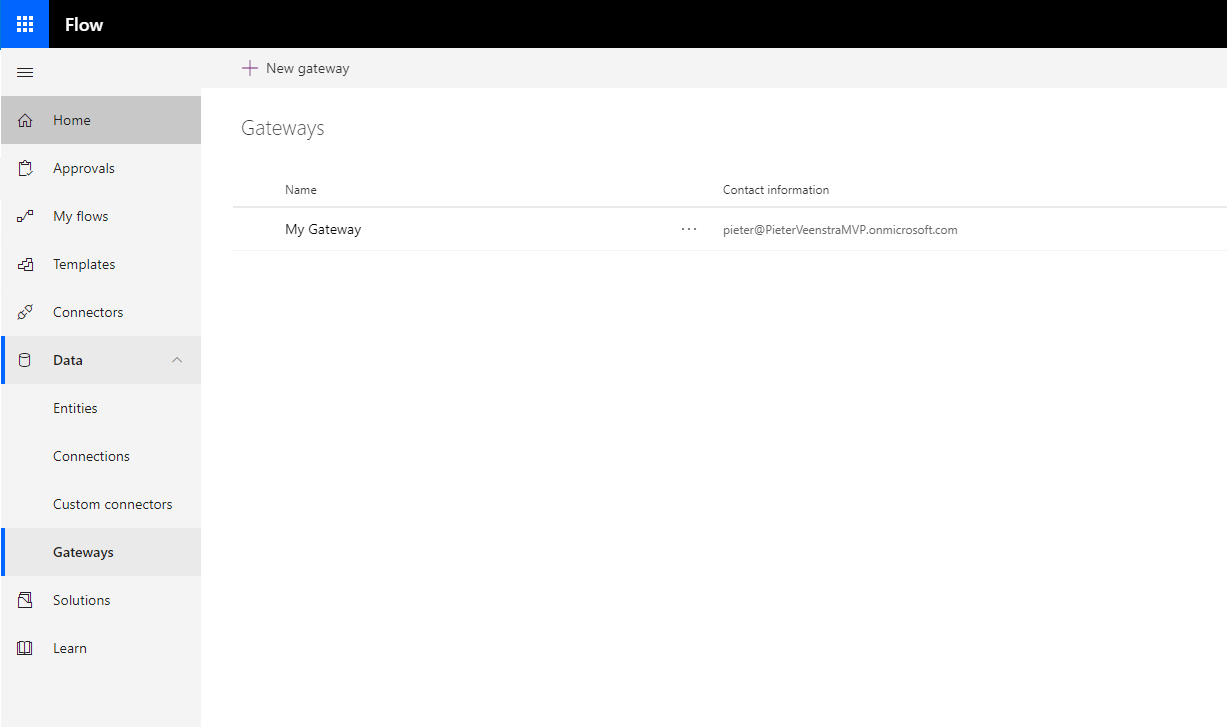
Now you can do 3 things.
- Share
- Delete
- Details
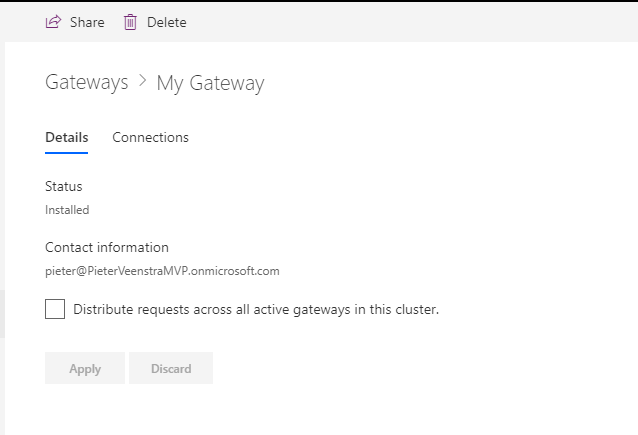
Details
The details will show you the connections where the gateway has been used and it will help you find out if your gateway is part of a cluster of gateways.
Share My Gateway
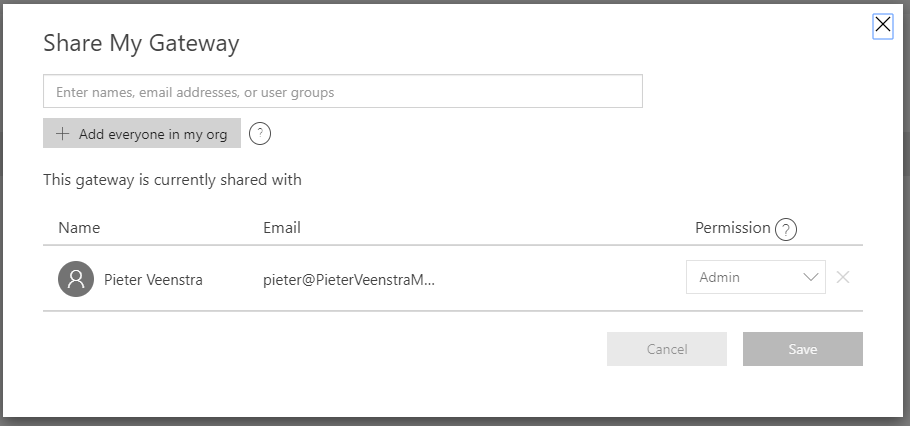
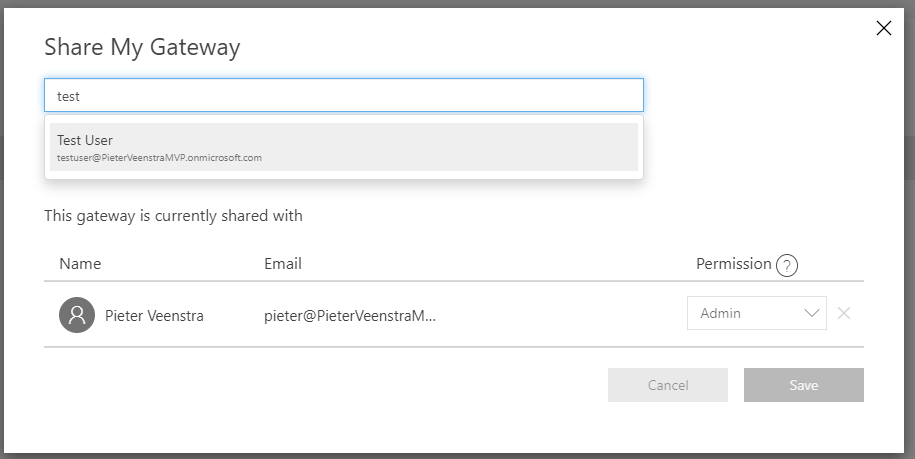
Now you can give other users access to your gateway as well. Note that you can only add internal users.
Once you have added a user you can give them one of the permission levels to either use, use and share or Admin
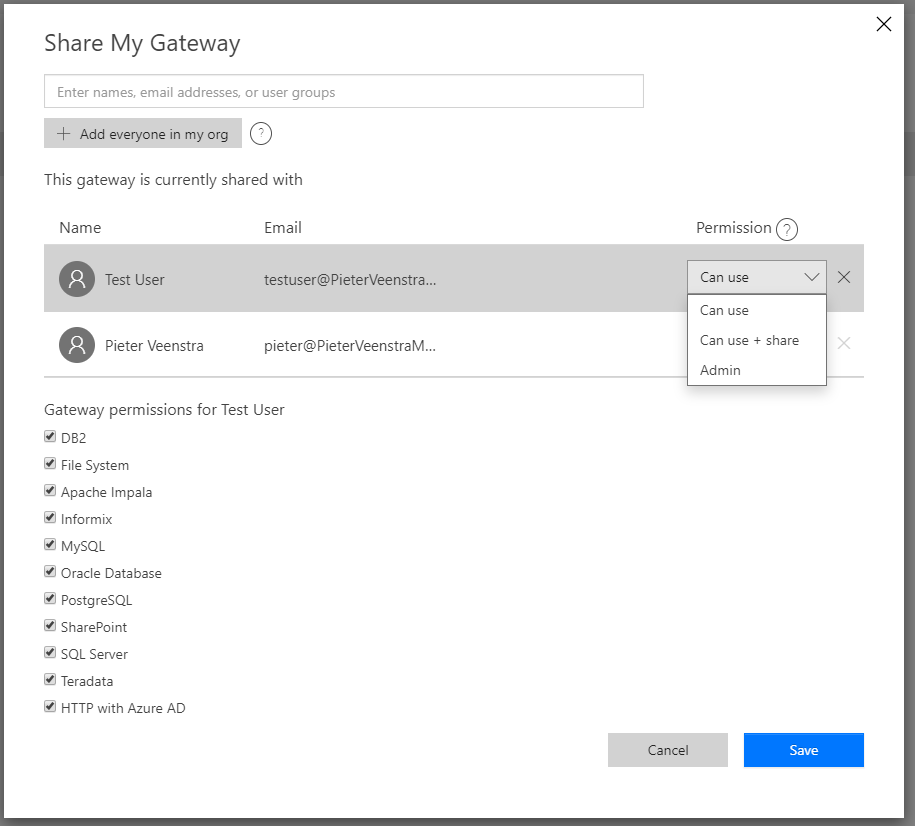
But that is not all. Have you noticed that you can disable the gateway for certain applications. If you only want to open up your MySQL then you can do so here by de-selecting all the other options.
Pieter Veenstra

Is your business still running on paper trails, sprawling Excel files, or ageing Access databases? There’s a better way — and I can show you exactly what it looks like. I’m the Technical Director of Vantage 365, a Microsoft solutions consultancy working with clients across the UK, the Netherlands, and worldwide. For over 30 years I’ve been turning messy, manual business processes into clean, automated systems that save time, reduce errors, and give teams the visibility they need to make better decisions. SharePains is not just any blog run by a Microsoft MVP. Have you ever used Try-Catch in Power Automate? The original post about Try-Catch in Power Automate can still be found on this site, https://staging.sharepains.com/2018/02/07/try-catch-finally-in-power-automate-flow/ Or have you ever used the Pieter’s method to avoid variables and speed up your flows? https://staging.sharepains.com/2020/03/11/pieters-method-for-advanced-in-flows/ You can contact me using contact@staging.sharepains.com


Leave a Reply
You must be logged in to post a comment.