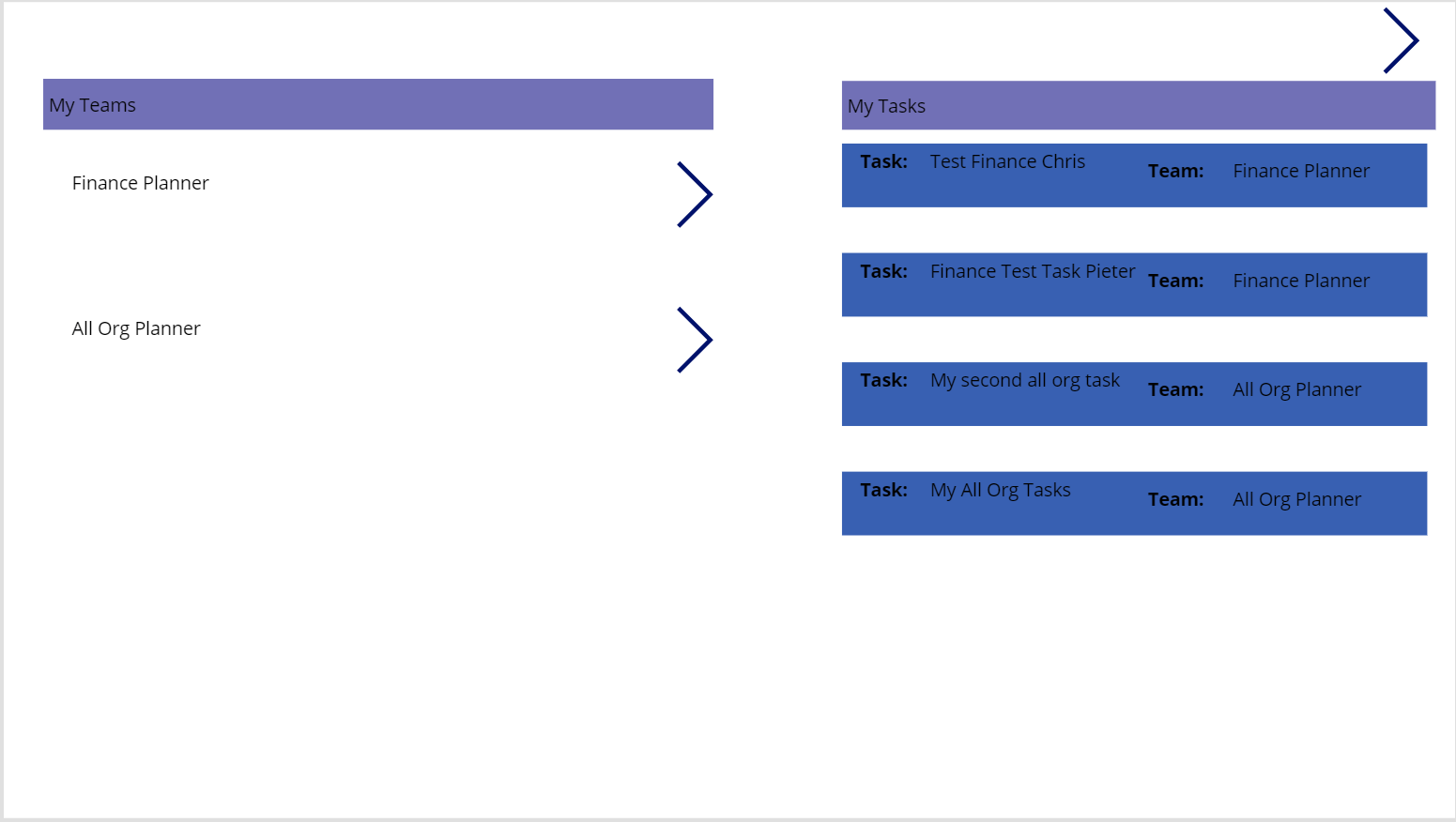
Would it not be nice if you could aggregate all tasks and present them all in a single location?
Planner Tasks
Have you started to use Microsoft Planner across your teams in Microsoft Teams? In each team you create some tasks and now you would like to have an overview of all the tasks across the teams.
Or, how about if you want to find everybody’s tasks in teams that you are part of. E.g. If you are a manager of the IT department and there are 10 IT related teams in Microsoft Teams and you want to see what everybody is doing.

Well, you can!
Aggregate all Tasks in PowerApps
Below you can see an example of an app that displays all tasks in planner for each team.
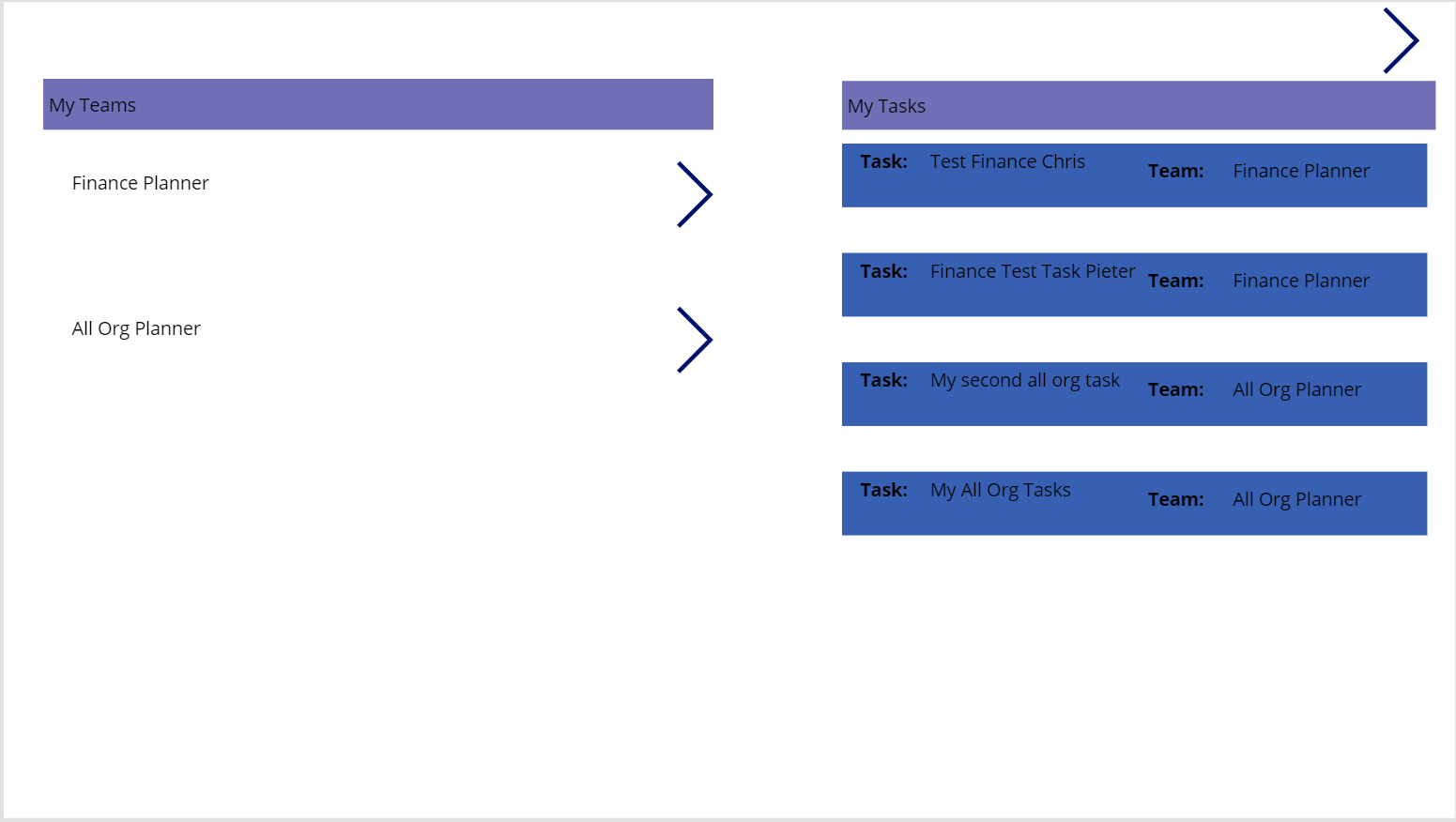
All of this is just done with just a few galleries and labels. The plans are collected and displayed in a gallery on the left. Then the details of the tasks are displayed on the right. Of course UX wise this app can be adjusted. I only created this app to give you a general idea of the possibilities.
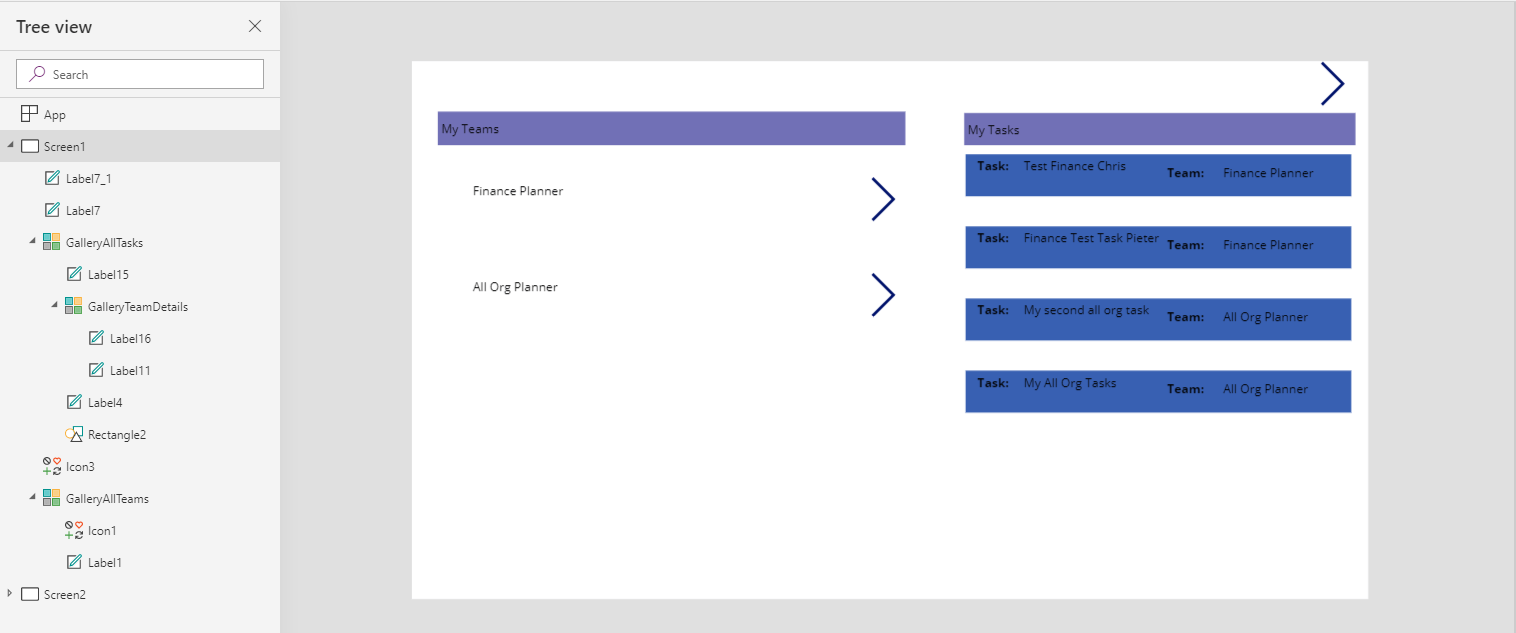
Do you like the idea of aggregating all tasks in a single place? It is just a few steps away.
Just create yourself an app and it is easy to then aggregate all tasks into a single overview.
Other relevant posts
A complete overview of Microsoft Teams Apps
Pieter Veenstra

Is your business still running on paper trails, sprawling Excel files, or ageing Access databases? There’s a better way — and I can show you exactly what it looks like. I’m the Technical Director of Vantage 365, a Microsoft solutions consultancy working with clients across the UK, the Netherlands, and worldwide. For over 30 years I’ve been turning messy, manual business processes into clean, automated systems that save time, reduce errors, and give teams the visibility they need to make better decisions. SharePains is not just any blog run by a Microsoft MVP. Have you ever used Try-Catch in Power Automate? The original post about Try-Catch in Power Automate can still be found on this site, https://staging.sharepains.com/2018/02/07/try-catch-finally-in-power-automate-flow/ Or have you ever used the Pieter’s method to avoid variables and speed up your flows? https://staging.sharepains.com/2020/03/11/pieters-method-for-advanced-in-flows/ You can contact me using contact@staging.sharepains.com


Leave a Reply
You must be logged in to post a comment.