Microsoft is currently making a huge investment in a new style intranet, Microsoft Teams.
So first of all what is an intranet? (according to wikipedia):
An intranet is a private network accessible only to an organization’s staff. Generally a wide range of information and services from the organization’s internal IT systems are available that would not be available to the public from the Internet. A company-wide intranet can constitute an important focal point of internal communication and collaboration, and provide a single starting point to access internal and external resources.
So having a look at some typical intranet pieces:
- Home page with
- Company news
- Yammer conversations
- Typical Clutter Web Parts
- weather web part (just look out of the window)
- news rss feeds from for example bbc, cnn, etc (just go to the news sites themselves)
- Internal team sites
- External team sites
- Project sites
- People directory
- Knowledge bases
- Useful links that nobody would be able to figure out themselves like google.com
So where do we find all these things in Microsoft Teams?
Team Sites
Internal team sites, External team sites, Project sites could all be implemented with a team site. With some of these you could even enable external guest access.
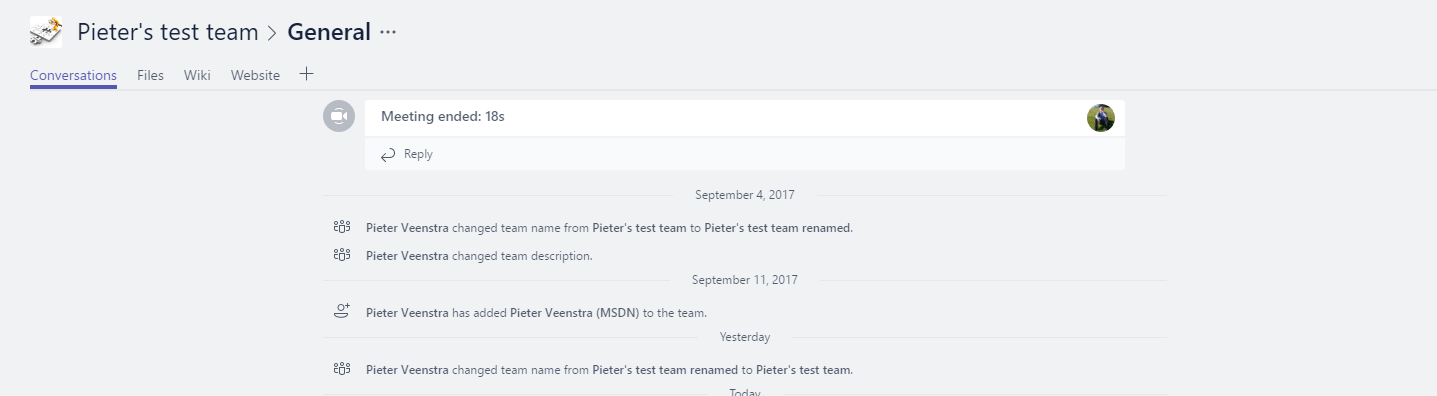
Of course the out of the box team will not be good enough for project sites that require project plans etc. Well you could of course always use apps within Microsoft teams like planner. Also connections to application like Visual Studio could help deliver backlogs directly in Microsoft Teams.
Knowledge base
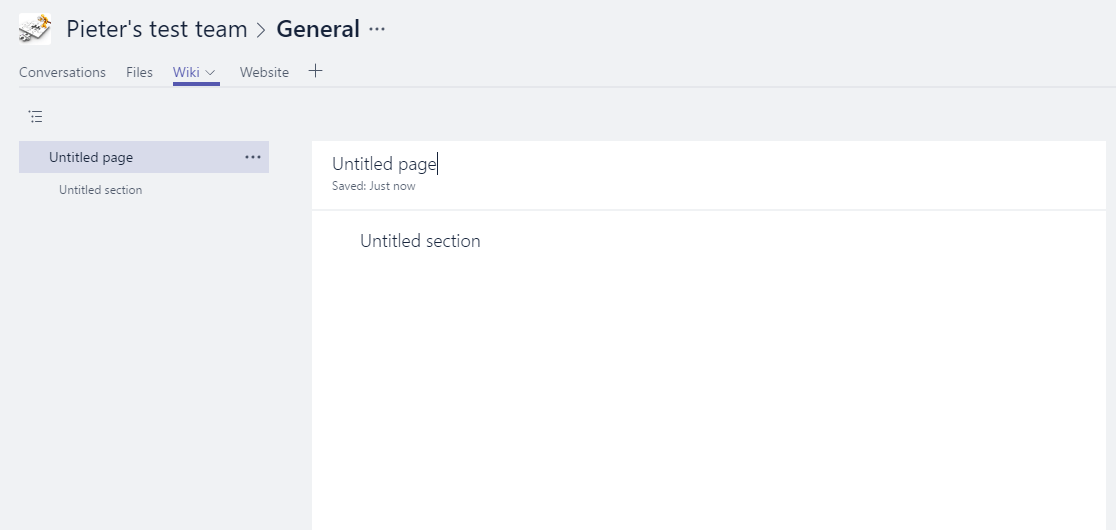
Within a team you could use the Wiki pages:
Additionally you could also consider Bots to be a knowledge base. So for example the Emojify bot that could help you translate plain English into Emoji language.

Yammer
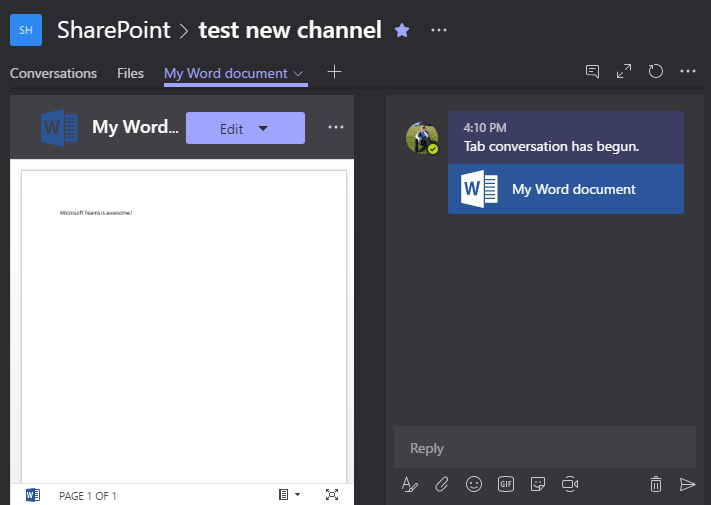
Rather than using yammer, Microsoft Teams has conversations. these conversation can be chats with a colleague or multiple colleagues and they can even be directly related to a document.
People Directory
Within the chats it is possible to look at organisational charts. All you need to do is populate the Manager field i your user profiles:
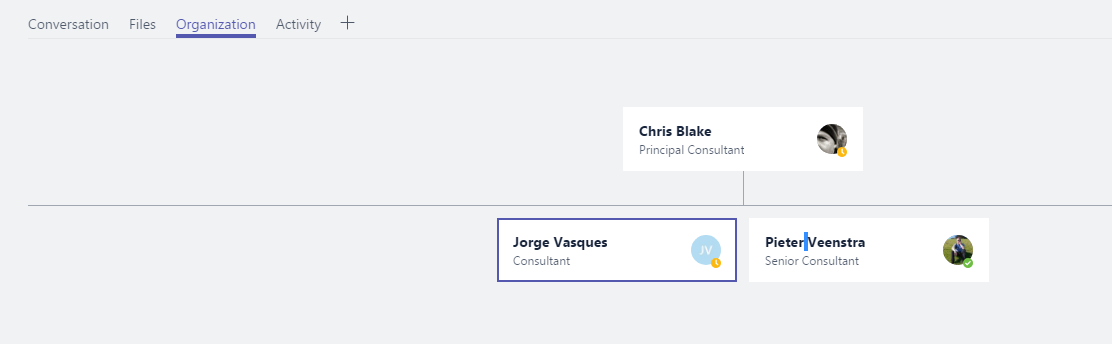
Form within each people card you can then find people’s contact details.
Then the other stuff form my list above
- Company news
- Typical Clutter Web Parts
- weather web part (just look out of the window)
- news rss feeds from for example bbc, cnn, etc (just go to the news sites themselves)
- Useful links that nobody would be able to figure out themselves like google.com
Well company news could be added to a team that included your whole company? Maybe this could simply be a public team, so that you don’t need to maintain the users.
So the list is getting smaller and maybe it is time to consider, did we really need those clutter web part? Or were we scared of that empty home page?
If you want some help implementing your new modern intranet? Feel free to leave a comment below.
Pieter Veenstra

Is your business still running on paper trails, sprawling Excel files, or ageing Access databases? There’s a better way — and I can show you exactly what it looks like. I’m the Technical Director of Vantage 365, a Microsoft solutions consultancy working with clients across the UK, the Netherlands, and worldwide. For over 30 years I’ve been turning messy, manual business processes into clean, automated systems that save time, reduce errors, and give teams the visibility they need to make better decisions. SharePains is not just any blog run by a Microsoft MVP. Have you ever used Try-Catch in Power Automate? The original post about Try-Catch in Power Automate can still be found on this site, https://staging.sharepains.com/2018/02/07/try-catch-finally-in-power-automate-flow/ Or have you ever used the Pieter’s method to avoid variables and speed up your flows? https://staging.sharepains.com/2020/03/11/pieters-method-for-advanced-in-flows/ You can contact me using contact@staging.sharepains.com


Leave a Reply
You must be logged in to post a comment.